Showing posts with label spare parts. Show all posts
Tuesday, November 14, 2017
KOMATSU linkone EPC 2017
1:28 PM
Crawler Dozers and Loaders
,
engine
,
Komatsu Hydraulic Excavator Attachments
,
Komatsu Hydraulic Excavators
,
Komatsu Mobile Crushers
,
parts books
,
spare parts
,
transmission
Komatsu Linkone electronic spare parts catalog Komatsu, parts books Komatsu Crawler Dozers and Loaders, Komatsu Hydraulic Excavator Attachments, Komatsu Hydraulic Excavators, Komatsu Mobile Crushers, Komatsu Motor Graders, Komatsu Motor Scrapers, Komatsu Stationary Generators, Komatsu Construction Trucks, Komatsu Construction Wheel Dozers, Komatsu Wheel Loaders.
Komatsu Construction spare parts catalogue, parts manuals models list:
Komatsu Articulated Dump Trucks
Komatsu Bulldozers
Komatsu Crawler Excavators
Komatsu Crawler Loaders
Komatsu Engine Generator Sets
Komatsu Engines
Komatsu Mobile Crushers And Recyclers
Komatsu Motor Graders
Komatsu Motor Scrapers
Komatsu Pipe Layers
Komatsu Rigid Dump Trucks
Komatsu Rollers, Komatsu Trash Compactors And Loaders
Komatsu Construction Wheel Dozers
Komatsu Wheel Loaders
Komatsu Wheeled Excavators
Sunday, November 5, 2017
Mercedes EPC EWA 09.2017
Mercedes EPC net represents the latest development in EPC Flexible Publishing. EPC net is available both online and offline. All the functions available in EPC Flexible Publishing have been fully integrated into EPC net. The modern user interface applying standard Windows rules serves to significantly improve user guidance and navigation. Modern user interface using standard Windows rules Users will immediately note the modern user interface and the simple navigation using standard Windows rules. You can open functions using the icons (a) or the Menu bar (b). Tooltips are provided to explain icon functions (c). Hovering the mouse pointer over an icon causes the tooltip to appear with a description of the icon's function. The combined pull-down menus (d) with input fields are available in EPC net for simple navigation within the catalogs/groups/subgroups. You can use your mouse or keyboard to operate EPC net. Most of the keyboard shortcuts used in EPC Flexible Publishing are also used in EPC net. For parts identification, EPC net requires at least a 6-digit model designation. Ideally, parts identification should be done using a vehicle identification number so that the datacard can be used in the process. The datacard must be used when looking for parts that are color-specific or where the search depends on what equipment is installed in the vehicle. Reduced number of windows Functions that were spread over several windows in EPC Flexible Publishing have been condensed onto one window in EPC net.The EPC net window is subdivided into the following sections: Mercedes EPC net Picture The picture has been supplemented with different zoom functions, and can be shown in a separate window using the icon. Mercedes EPC net Parts list All the part numbers for the entire subgroup are shown in the parts list. Footnotes and code information (passenger cars), SA/component information (commercial vehicles) and construction kit information (BUS) can be displayed via links in a separate window. Mercedes EPC net Shopping list The contents of the shopping list (e.g. quantity) can be changed directly in the individual columns.One important new feature is the "Show part context" function. When you reopen a saved shopping list you can click on the part designation in the form of a mouse-sensitive blue link to extract the part context directly from the shopping list.This saves you the trouble of reentering the vehicle data and the group/subgroup. Mercedes EPC net List overview The "List overview" can help the EPC net users with shopping list administration. Saved shopping lists and a "temporary shopping list" can be used at the same time. The icon can be used to create, show, delete, copy and print shopping lists.The active area of the EPC net window is marked with a red frame. You can change the size of the individual EPC net window areas via the respective dividing lines. Double-clicking on the dividing line between the picture and the parts list causes the picture to be arranged above the parts list.updates from DVD.English, Hungarian, Dutch, Danish, Spanish, Italian, Chinese, German, Dutch, Norwegian, Polish, Russian, Turkish, French, Czech, Swedish, Japanese
winxp , win7
5 DVD
Sunday, July 19, 2015
Caterpillar SIS 2015 Full
Caterpillar sis 01.2015
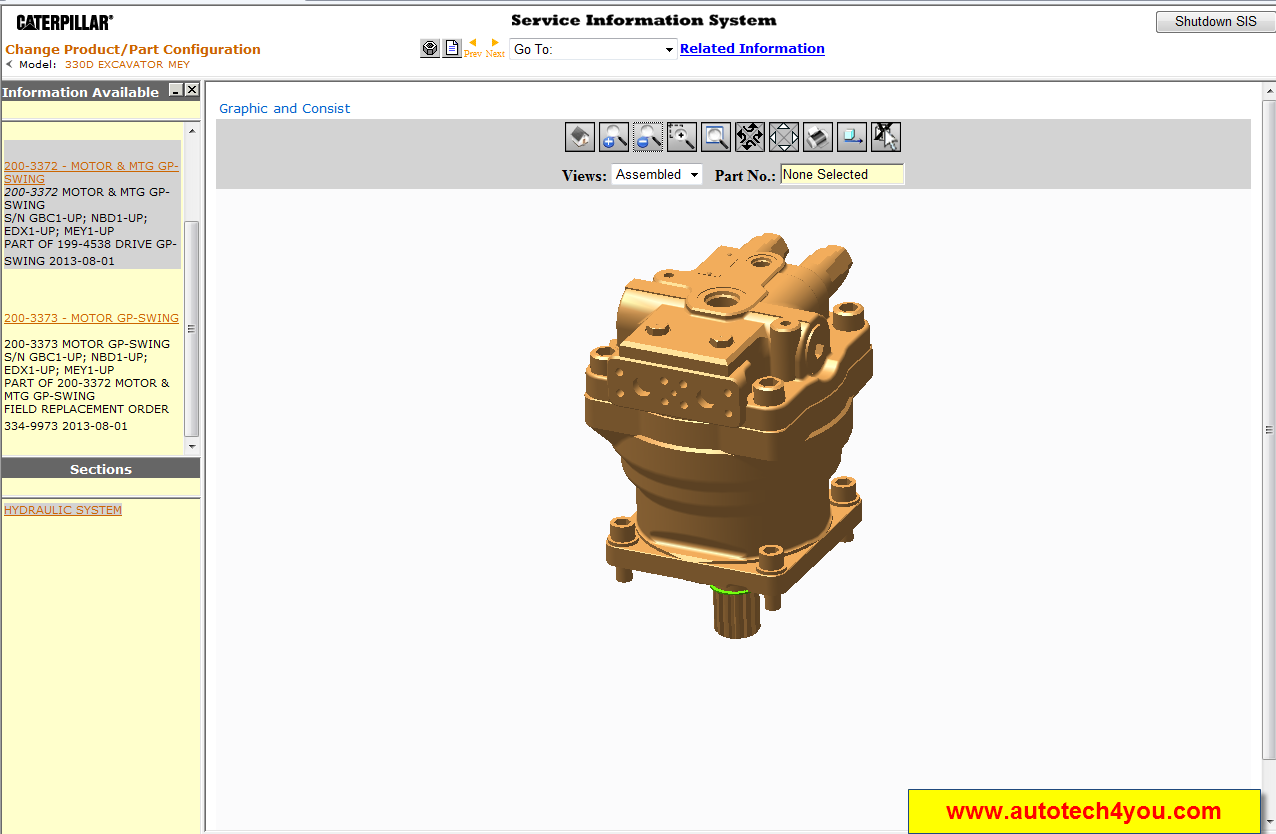
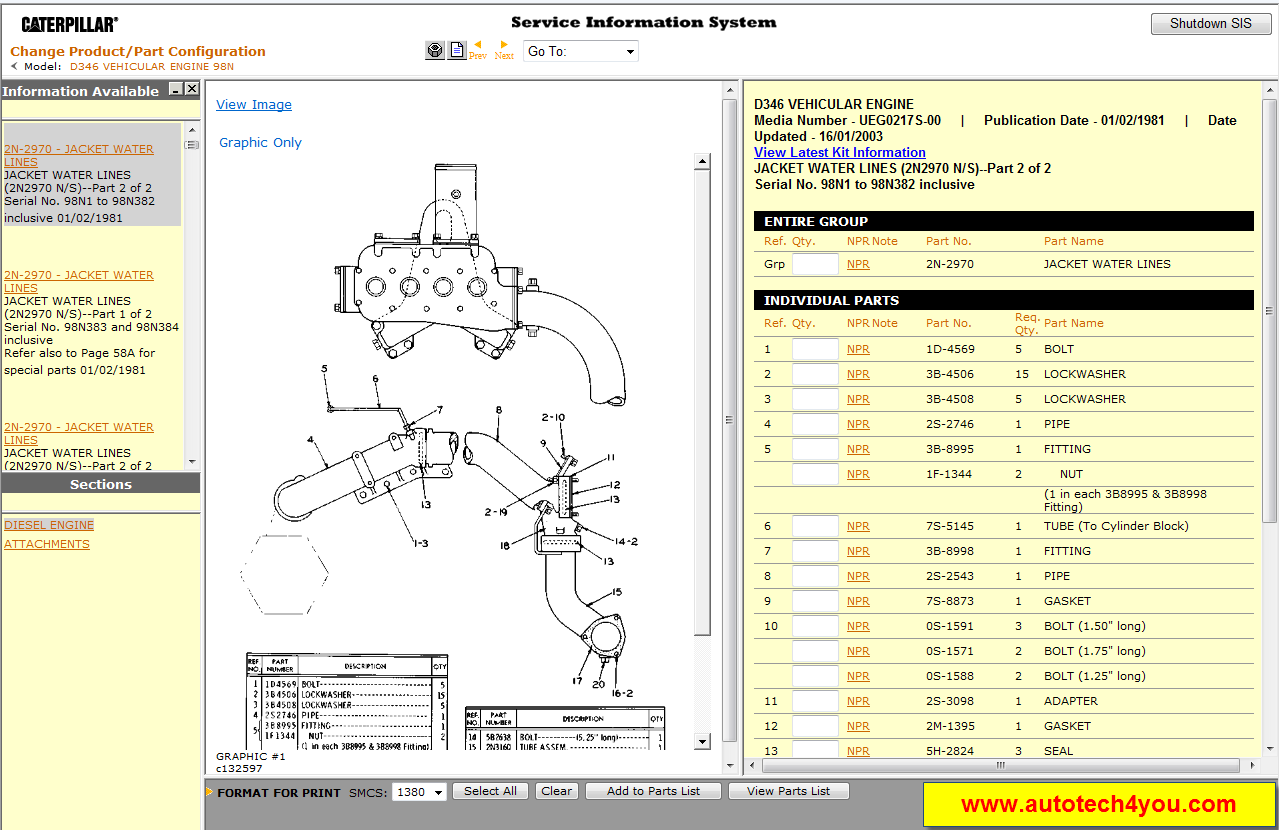
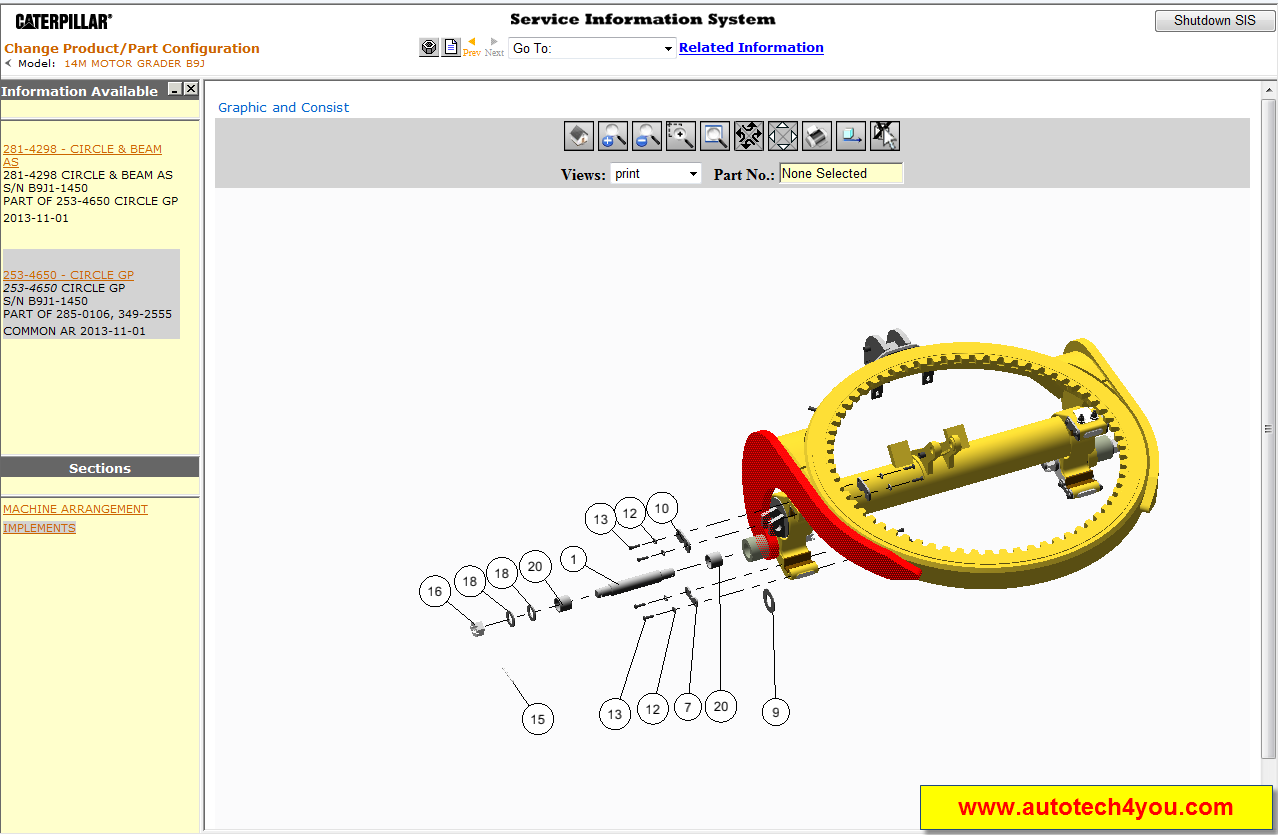
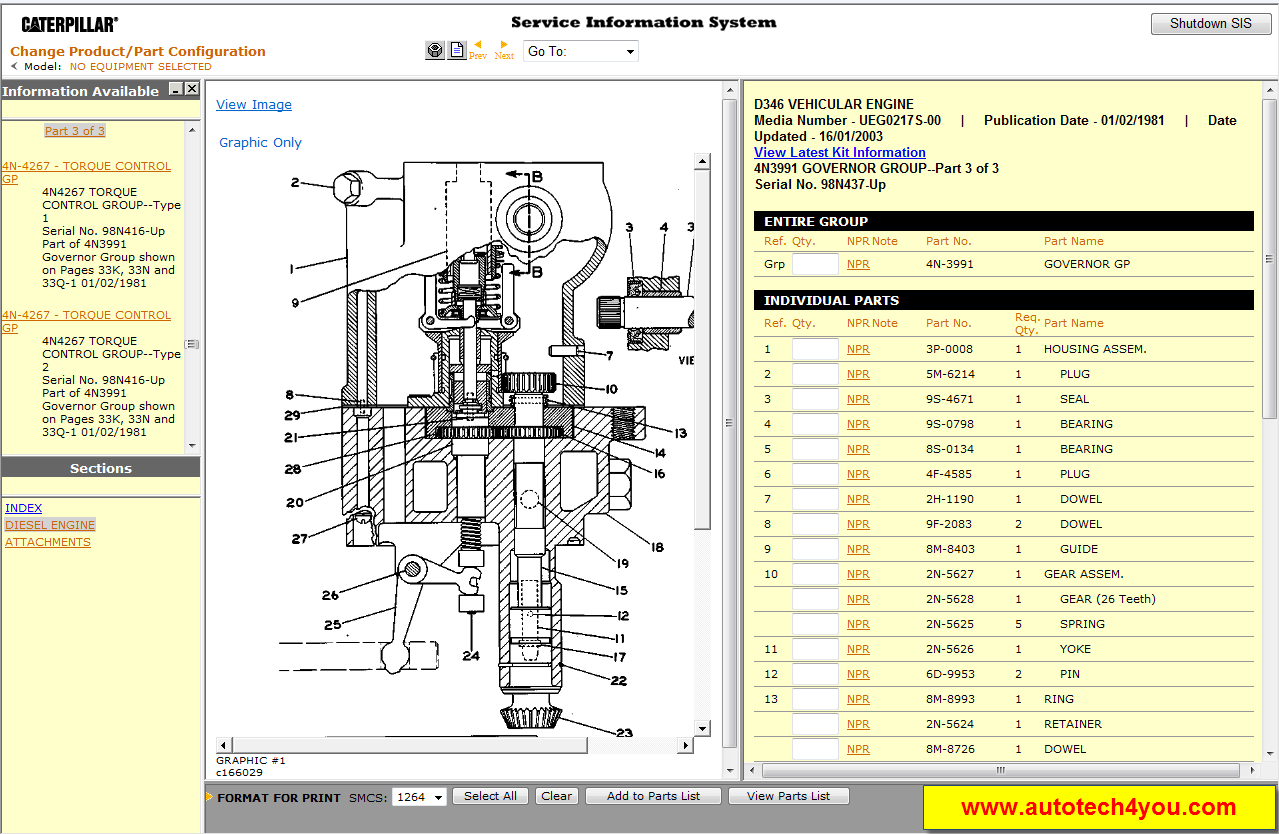
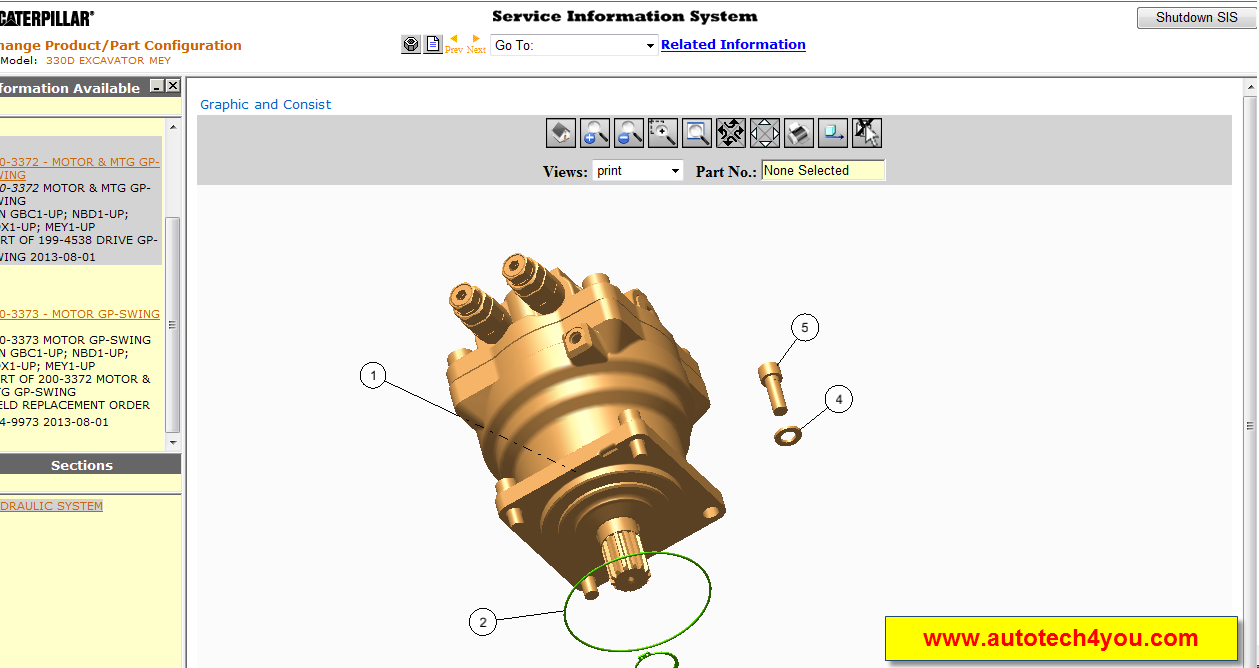
SIS is the electronic service tool that Caterpillar dealers, customers and employees rely on for their parts and service information needs. SIS provides information for all Caterpillar machines and engines from 1977. SIS is available on the Internet, DVDs and a network version based on the DVD standalone application.
SIS Web is updated continually and is the most complete and up to date version of SIS. SIS DVD and Network SIS use the same information that is located on the monthly data DVD'S. The time required to stage and ship the DVD'S to Dealer's and Customer's accounts for the delay in information that may be available from SIS DVD/Network.
SIS DVD is the standalone version of SIS and is required when the Caterpillar Inc. server for either SIS Web or the Dealer server for Network SIS is not available. Field Mechanics may be the largest group that uses SIS DVD. All three versions of SIS require an Internet Browser to display SIS information.
Caterpillar STW
The Service Technician Workbench is an integrated package of software tools, designed to assist the Caterpillar Service Technician during the machine repair process.
STW provides common installation of the following service software applications: STW Toolbar (STW Lauchpad), Service Information System (SIS), Cat Electronic Technician (Cat ET), CBT Component Based Troubleshooting (CBT), Technical Analisis I (TA1) & Technical Analisis II (TA2), and Service Report.
STW Features:
Allows user to send data from SIS, TA and Cat ET to an Electronic Service Report. All information about the repair is in one location.
Allows user to attach Cat ET Warranty Reports to the STW service report.
Allows user to attach digital photos to further document the repair.
A single source of support ? DDS Support Center
Electronic service reports are easier to archive than paper service reports.
Integration between Component Based Troubleshooting (CBT), Service Information System (SIS), Cat Electronic Technician (Cat ET), Flash File Search and Service Report.
The DBS Upload utility increases dealer efficiency by eliminating the need for the technician to re-type data into the service report, already created in DBS. This information is sent from DBS to STW to create a STW service report.
STW Lauchpad
The STW Launchpad allows to you: Conveniently launch Service Software Applications, Manage some common SIS/CBT preferences.
STW Service Report
The STW Service Report is a tool to help you collect, report, and organize your service jobs.
- Allows for complete documentation of your repair.
- Reduce duplicate typing of Service Reports
- Easy to read
- Spell check
Easy integration with Dealer Business System (both DBS and DBSi):
Download header information from DBS
Upload service information to DBS after your job is completed
Collect information from other service tools, including:
Parts lists from SIS
ECM summaries and reports from Cat ET
Inspection lists from Technical Analysis (TA)
Component Based Troubleshooting
Component Based Troubleshooting (CBT) helps the technician troubleshoot symptoms and codes for Caterpillar engines and machines. After identifying a symptom, the technician is presented with a list of components that, if not operating properly, may cause the symptom. By using the information provided for each component, the technician can identify the root cause of the symptom and fix the problem. The technician is also presented with a list of available ECMs and codes for the selected model to troubleshoot diagnostic codes. In addition, CBT gives the technician links to related information for symptoms and codes in the Service Information System (SIS).
Total:19 DVDs. (2 DVD + 17 DVD DL)
Disc #1: DVDD0001-11 PRODUCT SUPPORT INFORMATION
Disc #2: DVDD0002-11 ELECTRIC POWER GENERATION
Disc #3: DVDD0003-11 MARINE ENGINES, PETROLEUM PRODUCTS, TRUCK ENGINES
Disc #4: DVDD0004-11 INDUSTRIAL ENGINES
Disc #5: DVDD0005-11 EXCAVATORS, OEM PRODUCTS
Disc #6: DVDD0006-00 PIPELAYERS, TRACK TYPE TRACTORS
Disc #7: DVDR0007-89 INTEGRATED TOOLCARRIERS, WHEEL TYPE LOADERS, WHEEL TRACTOR SCRAPERS
Disc #8: DVDR0008-85 WHEEL TYPE LOADERS
Disc #9: DVDR0009-62 ARTICULATED DUMP TRUCKS, LOAD HAUL DUMP, MACHINE CONTROL GUIDANCE PRODUCTS, OFF HIGHWAY TRUCKS, UNDERGROUND ARTICULATED TRUCKS, ON HIGHWAY TRUCKS
Disc #10: DVDR0010-46 BACKHOE LOADERS, CHALLENGERS, COMBINES, MINI EXCAVATORS, SKID STEER LOADERS, TILLAGE, TELSCOPIC MATERIAL HANDLERS, WORK TOOLS
Disc #11: DVDR0011-33 ASPHALT PAVERS, COLD PLANERS, COMPACTORS, MOTOR GRADERS, ROAD RECLAIMERS
Disc #12: DVDR0012-25 EXCAVATORS
Disc #13: DVDR0013-25 TRACK TYPE TRACTORS
Disc #14: DVDR0014-11 EXCAVATORS, OEM PRODUCTS
Disc #15: DVDR0015-02 EXCAVATORS
SIS Web is updated continually and is the most complete and up to date version of SIS. SIS DVD and Network SIS use the same information that is located on the monthly data DVD'S. The time required to stage and ship the DVD'S to Dealer's and Customer's accounts for the delay in information that may be available from SIS DVD/Network.
SIS DVD is the standalone version of SIS and is required when the Caterpillar Inc. server for either SIS Web or the Dealer server for Network SIS is not available. Field Mechanics may be the largest group that uses SIS DVD. All three versions of SIS require an Internet Browser to display SIS information.
Caterpillar STW
The Service Technician Workbench is an integrated package of software tools, designed to assist the Caterpillar Service Technician during the machine repair process.
STW provides common installation of the following service software applications: STW Toolbar (STW Lauchpad), Service Information System (SIS), Cat Electronic Technician (Cat ET), CBT Component Based Troubleshooting (CBT), Technical Analisis I (TA1) & Technical Analisis II (TA2), and Service Report.
STW Features:
Allows user to send data from SIS, TA and Cat ET to an Electronic Service Report. All information about the repair is in one location.
Allows user to attach Cat ET Warranty Reports to the STW service report.
Allows user to attach digital photos to further document the repair.
A single source of support ? DDS Support Center
Electronic service reports are easier to archive than paper service reports.
Integration between Component Based Troubleshooting (CBT), Service Information System (SIS), Cat Electronic Technician (Cat ET), Flash File Search and Service Report.
The DBS Upload utility increases dealer efficiency by eliminating the need for the technician to re-type data into the service report, already created in DBS. This information is sent from DBS to STW to create a STW service report.
STW Lauchpad
The STW Launchpad allows to you: Conveniently launch Service Software Applications, Manage some common SIS/CBT preferences.
STW Service Report
The STW Service Report is a tool to help you collect, report, and organize your service jobs.
- Allows for complete documentation of your repair.
- Reduce duplicate typing of Service Reports
- Easy to read
- Spell check
Easy integration with Dealer Business System (both DBS and DBSi):
Download header information from DBS
Upload service information to DBS after your job is completed
Collect information from other service tools, including:
Parts lists from SIS
ECM summaries and reports from Cat ET
Inspection lists from Technical Analysis (TA)
Component Based Troubleshooting
Component Based Troubleshooting (CBT) helps the technician troubleshoot symptoms and codes for Caterpillar engines and machines. After identifying a symptom, the technician is presented with a list of components that, if not operating properly, may cause the symptom. By using the information provided for each component, the technician can identify the root cause of the symptom and fix the problem. The technician is also presented with a list of available ECMs and codes for the selected model to troubleshoot diagnostic codes. In addition, CBT gives the technician links to related information for symptoms and codes in the Service Information System (SIS).
Total:19 DVDs. (2 DVD + 17 DVD DL)
Disc #1: DVDD0001-11 PRODUCT SUPPORT INFORMATION
Disc #2: DVDD0002-11 ELECTRIC POWER GENERATION
Disc #3: DVDD0003-11 MARINE ENGINES, PETROLEUM PRODUCTS, TRUCK ENGINES
Disc #4: DVDD0004-11 INDUSTRIAL ENGINES
Disc #5: DVDD0005-11 EXCAVATORS, OEM PRODUCTS
Disc #6: DVDD0006-00 PIPELAYERS, TRACK TYPE TRACTORS
Disc #7: DVDR0007-89 INTEGRATED TOOLCARRIERS, WHEEL TYPE LOADERS, WHEEL TRACTOR SCRAPERS
Disc #8: DVDR0008-85 WHEEL TYPE LOADERS
Disc #9: DVDR0009-62 ARTICULATED DUMP TRUCKS, LOAD HAUL DUMP, MACHINE CONTROL GUIDANCE PRODUCTS, OFF HIGHWAY TRUCKS, UNDERGROUND ARTICULATED TRUCKS, ON HIGHWAY TRUCKS
Disc #10: DVDR0010-46 BACKHOE LOADERS, CHALLENGERS, COMBINES, MINI EXCAVATORS, SKID STEER LOADERS, TILLAGE, TELSCOPIC MATERIAL HANDLERS, WORK TOOLS
Disc #11: DVDR0011-33 ASPHALT PAVERS, COLD PLANERS, COMPACTORS, MOTOR GRADERS, ROAD RECLAIMERS
Disc #12: DVDR0012-25 EXCAVATORS
Disc #13: DVDR0013-25 TRACK TYPE TRACTORS
Disc #14: DVDR0014-11 EXCAVATORS, OEM PRODUCTS
Disc #15: DVDR0015-02 EXCAVATORS
19 DVD
Caterpillar sis 01.2015
يمكن التواصل معنا عن طريق البريد الإلكترونى
info@autotech4you.com
أو يمكن الأتصال بنا على 01011862525
ومن خارج مصر على
00201011862525
رقمنا بالمملكة العربية السعودية
0590560442
Hint
Content is displayed Does not represent any company, and we are not agents for any destination
المحتوى المعروض غير خاص باى شركة ونحن لسنا وكلاء لاى جهة
Monday, January 5, 2015
Caterpillar SIS 01.2014 برنامج صيانة وقطع غيار معدات الكاتربلير
Caterpillar sis 01.2014
SIS is the electronic service tool that Caterpillar dealers, customers and employees rely on for their parts and service information needs. SIS provides information for all Caterpillar machines and engines from 1977. SIS is available on the Internet, DVDs and a network version based on the DVD standalone application.
SIS Web is updated continually and is the most complete and up to date version of SIS. SIS DVD and Network SIS use the same information that is located on the monthly data DVD'S. The time required to stage and ship the DVD'S to Dealer's and Customer's accounts for the delay in information that may be available from SIS DVD/Network.
SIS DVD is the standalone version of SIS and is required when the Caterpillar Inc. server for either SIS Web or the Dealer server for Network SIS is not available. Field Mechanics may be the largest group that uses SIS DVD. All three versions of SIS require an Internet Browser to display SIS information.
Caterpillar STW
The Service Technician Workbench is an integrated package of software tools, designed to assist the Caterpillar Service Technician during the machine repair process.
STW provides common installation of the following service software applications: STW Toolbar (STW Lauchpad), Service Information System (SIS), Cat Electronic Technician (Cat ET), CBT Component Based Troubleshooting (CBT), Technical Analisis I (TA1) & Technical Analisis II (TA2), and Service Report.
STW Features:
Allows user to send data from SIS, TA and Cat ET to an Electronic Service Report. All information about the repair is in one location.
Allows user to attach Cat ET Warranty Reports to the STW service report.
Allows user to attach digital photos to further document the repair.
A single source of support ? DDS Support Center
Electronic service reports are easier to archive than paper service reports.
Integration between Component Based Troubleshooting (CBT), Service Information System (SIS), Cat Electronic Technician (Cat ET), Flash File Search and Service Report.
The DBS Upload utility increases dealer efficiency by eliminating the need for the technician to re-type data into the service report, already created in DBS. This information is sent from DBS to STW to create a STW service report.
STW Lauchpad
The STW Launchpad allows to you: Conveniently launch Service Software Applications, Manage some common SIS/CBT preferences.
STW Service Report
The STW Service Report is a tool to help you collect, report, and organize your service jobs.
- Allows for complete documentation of your repair.
- Reduce duplicate typing of Service Reports
- Easy to read
- Spell check
Easy integration with Dealer Business System (both DBS and DBSi):
Download header information from DBS
Upload service information to DBS after your job is completed
Collect information from other service tools, including:
Parts lists from SIS
ECM summaries and reports from Cat ET
Inspection lists from Technical Analysis (TA)
Component Based Troubleshooting
Component Based Troubleshooting (CBT) helps the technician troubleshoot symptoms and codes for Caterpillar engines and machines. After identifying a symptom, the technician is presented with a list of components that, if not operating properly, may cause the symptom. By using the information provided for each component, the technician can identify the root cause of the symptom and fix the problem. The technician is also presented with a list of available ECMs and codes for the selected model to troubleshoot diagnostic codes. In addition, CBT gives the technician links to related information for symptoms and codes in the Service Information System (SIS).
Total: 18 DVDs. (1 DVD + 17 DVD DL)
Disc #1: DVDD0001-11 PRODUCT SUPPORT INFORMATION
Disc #2: DVDD0002-11 ELECTRIC POWER GENERATION
Disc #3: DVDD0003-11 MARINE ENGINES, PETROLEUM PRODUCTS, TRUCK ENGINES
Disc #4: DVDD0004-11 INDUSTRIAL ENGINES
Disc #5: DVDD0005-11 EXCAVATORS, OEM PRODUCTS
Disc #6: DVDD0006-00 PIPELAYERS, TRACK TYPE TRACTORS
Disc #7: DVDR0007-89 INTEGRATED TOOLCARRIERS, WHEEL TYPE LOADERS, WHEEL TRACTOR SCRAPERS
Disc #8: DVDR0008-85 WHEEL TYPE LOADERS
Disc #9: DVDR0009-62 ARTICULATED DUMP TRUCKS, LOAD HAUL DUMP, MACHINE CONTROL GUIDANCE PRODUCTS, OFF HIGHWAY TRUCKS, UNDERGROUND ARTICULATED TRUCKS, ON HIGHWAY TRUCKS
Disc #10: DVDR0010-46 BACKHOE LOADERS, CHALLENGERS, COMBINES, MINI EXCAVATORS, SKID STEER LOADERS, TILLAGE, TELSCOPIC MATERIAL HANDLERS, WORK TOOLS
Disc #11: DVDR0011-33 ASPHALT PAVERS, COLD PLANERS, COMPACTORS, MOTOR GRADERS, ROAD RECLAIMERS
Disc #12: DVDR0012-25 EXCAVATORS
Disc #13: DVDR0013-25 TRACK TYPE TRACTORS
Disc #14: DVDR0014-11 EXCAVATORS, OEM PRODUCTS
Disc #15: DVDR0015-02 EXCAVATORS
SIS Web is updated continually and is the most complete and up to date version of SIS. SIS DVD and Network SIS use the same information that is located on the monthly data DVD'S. The time required to stage and ship the DVD'S to Dealer's and Customer's accounts for the delay in information that may be available from SIS DVD/Network.
SIS DVD is the standalone version of SIS and is required when the Caterpillar Inc. server for either SIS Web or the Dealer server for Network SIS is not available. Field Mechanics may be the largest group that uses SIS DVD. All three versions of SIS require an Internet Browser to display SIS information.
Caterpillar STW
The Service Technician Workbench is an integrated package of software tools, designed to assist the Caterpillar Service Technician during the machine repair process.
STW provides common installation of the following service software applications: STW Toolbar (STW Lauchpad), Service Information System (SIS), Cat Electronic Technician (Cat ET), CBT Component Based Troubleshooting (CBT), Technical Analisis I (TA1) & Technical Analisis II (TA2), and Service Report.
STW Features:
Allows user to send data from SIS, TA and Cat ET to an Electronic Service Report. All information about the repair is in one location.
Allows user to attach Cat ET Warranty Reports to the STW service report.
Allows user to attach digital photos to further document the repair.
A single source of support ? DDS Support Center
Electronic service reports are easier to archive than paper service reports.
Integration between Component Based Troubleshooting (CBT), Service Information System (SIS), Cat Electronic Technician (Cat ET), Flash File Search and Service Report.
The DBS Upload utility increases dealer efficiency by eliminating the need for the technician to re-type data into the service report, already created in DBS. This information is sent from DBS to STW to create a STW service report.
STW Lauchpad
The STW Launchpad allows to you: Conveniently launch Service Software Applications, Manage some common SIS/CBT preferences.
STW Service Report
The STW Service Report is a tool to help you collect, report, and organize your service jobs.
- Allows for complete documentation of your repair.
- Reduce duplicate typing of Service Reports
- Easy to read
- Spell check
Easy integration with Dealer Business System (both DBS and DBSi):
Download header information from DBS
Upload service information to DBS after your job is completed
Collect information from other service tools, including:
Parts lists from SIS
ECM summaries and reports from Cat ET
Inspection lists from Technical Analysis (TA)
Component Based Troubleshooting
Component Based Troubleshooting (CBT) helps the technician troubleshoot symptoms and codes for Caterpillar engines and machines. After identifying a symptom, the technician is presented with a list of components that, if not operating properly, may cause the symptom. By using the information provided for each component, the technician can identify the root cause of the symptom and fix the problem. The technician is also presented with a list of available ECMs and codes for the selected model to troubleshoot diagnostic codes. In addition, CBT gives the technician links to related information for symptoms and codes in the Service Information System (SIS).
Total: 18 DVDs. (1 DVD + 17 DVD DL)
Disc #1: DVDD0001-11 PRODUCT SUPPORT INFORMATION
Disc #2: DVDD0002-11 ELECTRIC POWER GENERATION
Disc #3: DVDD0003-11 MARINE ENGINES, PETROLEUM PRODUCTS, TRUCK ENGINES
Disc #4: DVDD0004-11 INDUSTRIAL ENGINES
Disc #5: DVDD0005-11 EXCAVATORS, OEM PRODUCTS
Disc #6: DVDD0006-00 PIPELAYERS, TRACK TYPE TRACTORS
Disc #7: DVDR0007-89 INTEGRATED TOOLCARRIERS, WHEEL TYPE LOADERS, WHEEL TRACTOR SCRAPERS
Disc #8: DVDR0008-85 WHEEL TYPE LOADERS
Disc #9: DVDR0009-62 ARTICULATED DUMP TRUCKS, LOAD HAUL DUMP, MACHINE CONTROL GUIDANCE PRODUCTS, OFF HIGHWAY TRUCKS, UNDERGROUND ARTICULATED TRUCKS, ON HIGHWAY TRUCKS
Disc #10: DVDR0010-46 BACKHOE LOADERS, CHALLENGERS, COMBINES, MINI EXCAVATORS, SKID STEER LOADERS, TILLAGE, TELSCOPIC MATERIAL HANDLERS, WORK TOOLS
Disc #11: DVDR0011-33 ASPHALT PAVERS, COLD PLANERS, COMPACTORS, MOTOR GRADERS, ROAD RECLAIMERS
Disc #12: DVDR0012-25 EXCAVATORS
Disc #13: DVDR0013-25 TRACK TYPE TRACTORS
Disc #14: DVDR0014-11 EXCAVATORS, OEM PRODUCTS
Disc #15: DVDR0015-02 EXCAVATORS
Program size : 111 giga
18 DVD
Caterpillar sis 01.2014
Hint
Content is displayed Does not represent any company, and we are not agents for any destination
المحتوى المعروض غير خاص باى شركة ونحن لسنا وكلاء لاى جهة
Monday, August 16, 2010
أقوى برامج صيانة وقطع غيار المعدات الثقيلة hitachi,hyundai,volvo,komatsu,dossan,caterpillar,detroit,clark
11:36 PM
caterpillar
,
hitachi
,
hyundai forklift
,
komatsu
,
spare parts
,
volvo construction
,
برامج قطع غيار zf
بسم الله الرحمن الرحيم
كما عودنكم بحصرياتنا اليوم أقوى برامج لقطع غيار وصيانة المعدات الثقيلة الخاصة بمعدات hitachi,hyundai,caterpillar,komatsu,volvo,jcb,clark
اولا :hitachi
1- Hitachi PartsManager Pro 2008
برنامج خاص بقطع غيار معدات hitachi يحتوى البرنامج على معلومات وارقام قطع الغيار ووصف لكل قطع غيار
وهذا وصف مختصر للبرنامج من الشركة المنتجة والموديلات التى يحتويها
Hitachi 2008 is an electronic parts catalog for Hitachi crawlers, excavators, forester equipment, loaders and trucks.
Models covered by the Hitachi PartsManager Pro:
CRAWLER
DX Series
DX75L-2
DX75M-2
EXCAVATOR
EX 3 Series
EX100-3
EX100M-3
EX1100-3
EX1800-3
EX200-3
EX200H-3
EX200LC-3
EX200LCH-3
EX220-3
EX220LC-3
EX300-3
EX300-3C
EX300H-3
EX300LC-3
EX300LC-3C
EX300LCH-3
EX310H-3C
EX310LCH-3C
EX3500-3
EX400-3
EX400-3C
EX400H-3
EX400LC-3
EX400LC-3C
EX400LCH-3
EX450H-3C
EX450LCH-3C
EX550-3
EX550LC-3
EX600H-3
EX600LCH-3
EX 5 Series
EX100-5
EX100-5E
EX100M-5
EX110-5
EX110M-5
EX120-5
EX120-5HC
EX1200-5
EX1200-5C
EX1200-5D
EX130H-5
EX150LC-5
EX160LC-5
EX1900-5
EX200-5
EX200LC-5
EX210H-5
EX210LCH-5
EX220-5
EX220LC-5
EX230H-5
EX230LC-5
EX230LCH-5
EX2500-5
EX270-5
EX270LC-5
EX280H-5
EX280LCH-5
EX300-5
EX300LC-5
EX330LC-5
EX350H-5
EX350K-5
EX350LCH-5
EX350LCK-5
EX3600-5
EX370-5
EX370HD-5
EX400-5
EX400LC-5
EX450H-5
EX450LC-5
EX450LCH-5
EX550-5
EX5500-5
EX550LC-5
EX60-5
EX600H-5
EX600LCH-5
EX60LC-5
EX750-5
EX80-5
EX800H-5
EX 6 Series
EX1200-6
EX1900-6
EX2500-6
EX3600-6
EX5500-6
EX8000-6
EX Series
EX100
EX1000
EX100WD
EX1100
EX1100BE
EX150
EX17U
EX1800
EX200
EX200LC
EX200LCK
EX220LC
EX225USR
EX225USRK
EX225USRLC
EX2500
EX270
EX270LC
EX27U
EX29UE
EX300
EX300H
EX300LC
EX300LCH
EX3500
EX35U
EX36UE
EX400
EX400H
EX400LC
EX400LCH
EX50U
EX550
EX5500
EX550H
EX550LC
EX550LCH
EX60
EX600H
EX600LCH
EX700
EX700BE
EX700H
EX8000
EX2 Series
EX100-2
EX1800-2
EX200-2
EX200LC-2
EX220LC-2
EX25-2
EX300-2
EX300H-2
EX300LC-2
EX300LCH-2
EX3500-2
UH Series
UH02
UH04-2
UH04-7
UH062
UH07-3
UH07-5
UH07-7
UH07LC-5
UH07LC-7
UH081
UH081LC
UH082LC
UH083
UH083LC
UH10-7
UH121
UH122
UH122LC
UH123
UH14-2
UH16
UH171
UH171LC
UH172
UH181
UH20
UH23
UH261
UH30
UH35
UH50
UH501
UH801
ZAXIS Series
ZAXIS120
ZAXIS120-3
ZAXIS120-E
ZAXIS130
ZAXIS130-3
ZAXIS130H
ZAXIS130K
ZAXIS130K-3
ZAXIS130LCN
ZAXIS130LCN-3
ZAXIS135US
ZAXIS135US-3
ZAXIS135US-E
ZAXIS135USK
ZAXIS135USK-3
ZAXIS160
ZAXIS160LC
ZAXIS160LC-3
ZAXIS160W
ZAXIS17U-2
ZAXIS180W
ZAXIS190W-3
ZAXIS200
ZAXIS200-3
ZAXIS200-E
ZAXIS200-X
ZAXIS200LC
ZAXIS200LC-3
ZAXIS200LC-E
ZAXIS200LC-X
ZAXIS210
ZAXIS210H
ZAXIS210H-3
ZAXIS210K
ZAXIS210K-3
ZAXIS210LC
ZAXIS210LCH
ZAXIS210LCH-3
ZAXIS210LCK
ZAXIS210LCK-3
ZAXIS210LCN-3
ZAXIS210N
ZAXIS210W
ZAXIS220W-3
ZAXIS225US
ZAXIS225US-3
ZAXIS225US-E
ZAXIS225USLC
ZAXIS225USLC-3
ZAXIS225USLC-E
ZAXIS230
ZAXIS230LC
ZAXIS240
ZAXIS240-3
ZAXIS240H
ZAXIS240K
ZAXIS240LC-3
ZAXIS240LCH
ZAXIS240LCK
ZAXIS240N-3
ZAXIS250
ZAXIS250H-3
ZAXIS250K-3
ZAXIS250LC
ZAXIS250LC-3
ZAXIS250LCH-3
ZAXIS250LCK-3
ZAXIS250LCN
ZAXIS250LCN-3
ZAXIS270
ZAXIS270-3
ZAXIS270LC
ZAXIS270LC-3
ZAXIS27U
ZAXIS27U-2
ZAXIS210LCK-3
ZAXIS210LCN-3
ZAXIS210N
ZAXIS210W
ZAXIS220W-3
ZAXIS225US
ZAXIS225US-3
ZAXIS225US-E
ZAXIS225USLC
ZAXIS225USLC-3
ZAXIS225USLC-E
ZAXIS230
ZAXIS230LC
ZAXIS240
ZAXIS240-3
ZAXIS240H
ZAXIS240K
ZAXIS240LC-3
ZAXIS240LCH
ZAXIS240LCK
ZAXIS240N-3
ZAXIS250
ZAXIS250H-3
ZAXIS250K-3
ZAXIS250LC
ZAXIS250LC-3
ZAXIS250LCH-3
ZAXIS250LCK-3
ZAXIS250LCN
ZAXIS250LCN-3
ZAXIS270
ZAXIS270-3
ZAXIS270LC
ZAXIS270LC-3
ZAXIS27U
ZAXIS27U-2
ZAXIS280LC
ZAXIS280LC-3
ZAXIS280LCH-3
ZAXIS280LCN
ZAXIS280LCN-3
ZAXIS330
ZAXIS330-3
ZAXIS330-3-EX
ZAXIS330-AP-EX
ZAXIS330-EX
ZAXIS330LC
ZAXIS330LC-3
ZAXIS330LC-3-EX
ZAXIS330LC-DH
ZAXIS330LC-DM
ZAXIS330LC-EX
ZAXIS350H
ZAXIS350H-3
ZAXIS350H-3-EX
ZAXIS350H-EX
ZAXIS350K
ZAXIS350K-3
ZAXIS350K-3-EX
ZAXIS350K-3HG
ZAXIS350K-EX
ZAXIS350LC
ZAXIS350LC-3
ZAXIS350LCH
ZAXIS350LCH-3
ZAXIS350LCH-3-EX
ZAXIS350LCH-3TRK-EX
ZAXIS350LCH-EX
ZAXIS350LCK
ZAXIS350LCK-3
ZAXIS350LCK-3-EX
ZAXIS350LCK-3HG
ZAXIS350LCK-EX
ZAXIS350LCN
ZAXIS350LCN-3
ZAXIS35U
ZAXIS35U-2
ZAXIS370
ZAXIS370MTH
ZAXIS40U
ZAXIS450
ZAXIS450-3
ZAXIS450H
ZAXIS450LC
ZAXIS450LC-3
ZAXIS450LCH
ZAXIS460LCH
ZAXIS470H-3
ZAXIS470LCH-3
ZAXIS480MT
ZAXIS480MTH
ZAXIS500LC-3
ZAXIS50U
ZAXIS50U-2
ZAXIS520LCH-3
ZAXIS600
ZAXIS600LC
ZAXIS650H
ZAXIS650LC-3
ZAXIS650LCH
ZAXIS670LCH-3
ZAXIS70
ZAXIS70LC
ZAXIS75US-3
ZAXIS75US-A
ZAXIS80
ZAXIS800
ZAXIS80LCK
ZAXIS80SB
ZAXIS80SBLC
ZAXIS850-3
ZAXIS850H
ZAXIS850LC-3
ZAXIS85US
ZAXIS85USB-3
ZAXIS870H-3
ZAXIS870LCH-3
ZAXIS870LCR-3
ZAXIS870R-3
FORESTER
EX5 Series
EX200-5
EX330-5
EX370-5
ZAXIS Series
350
ZAXIS
ZAXIS240F-3
ZAXIS290F-3
ZX200LC
ZX250
LOADER
LX Series
LX100
LX120
LX150
LX2 Series
LX100-2
LX120E-2
LX150E-2
LX3 Series
LX100-3
LX120-3
LX150-3
LX230-3
LX5 Series
LX100-5
LX150-5
LX230-5
LXD Series
LXD100
LXD120
LXD150-2
TRUCK
ADT Series
AH250
AH300
AH350
AH350-D
AH400
AH400-D
EH Series
EH1000-416LD
EH1100-423LD
EH4500-402MD
EH700-404TD
EH750-404TD
screen shots
برنامج اخر خاص بقطع غيار hitachi يحتوى على هذة الموديلات
Hitachi EX100-5E
Hitachi EX100WD-3C
Hitachi EX120-5LV:JPN
Hitachi EX120-5X:JPN
Hitachi EX125WD-5
Hitachi EX135UR-5
Hitachi EX135US-5
Hitachi EX135USR
Hitachi EX135USRK
Hitachi EX140US-5
Hitachi EX200-5LV:JPN
Hitachi EX280H-5
Hitachi EX280LCH-5
Hitachi EX300-5
Hitachi EX300LC-5
Hitachi EX330LC-5:N.AMERICA
Hitachi EX350H-5
Hitachi EX350K-5
Hitachi EX350LCH-5
Hitachi EX350LCK-5
Hitachi EX370HD-5
Hitachi EX385USR
Hitachi EX70LCK-5
Hitachi EX75UR-5
Hitachi EX75URLC-3
Hitachi EX75URT-5
Hitachi EX75US-5
Hitachi EX80U
Hitachi EX60
Hitachi EX60-2
Hitachi EX60-3
Hitachi EX60G
Hitachi EX60LC-3
Hitachi EX60LCK-3
Hitachi EX60LCT-3
Hitachi EX60SR
Hitachi EX60T-2
Hitachi EX60UR
Hitachi EX60URG
Hitachi EX60WD
Hitachi EX60WD-2
Hitachi EX75UR
Hitachi EX75UR-3
Hitachi EX90
Hitachi EX100
Hitachi EX100-2
Hitachi EX100-3
Hitachi EX100-3C
Hitachi EX100-5
Hitachi EX100M
Hitachi EX100M-2
Hitachi EX100M-3
Hitachi EX100M-5
Hitachi EX100W
Hitachi EX100WD
Hitachi EX100WD-2
Hitachi EX100WD-3
Hitachi EX110M-5
Hitachi EX120
Hitachi EX120-2
Hitachi EX120-3
Hitachi EX120-3C
Hitachi EX120-5:JPN
Hitachi EX120-5:OVERSEAS
Hitachi EX120-5E:JPN
Hitachi EX120-5HG:JPN
Hitachi EX120-5Z:JPN
Hitachi EX120K-2
Hitachi EX120K-3
Hitachi EX120SS-5:JPN
Hitachi EX130H-5:JPN
Hitachi EX130H-5:OVERSEAS
Hitachi EX130K-5:JPN
Hitachi EX135UR
Hitachi EX150
Hitachi EX150LC-5
Hitachi EX160LC-5
Hitachi EX160WD
Hitachi EX200
Hitachi EX200-2
Hitachi EX200-3
Hitachi EX200-3C
Hitachi EX200-3E
Hitachi EX200-5:JPN
Hitachi EX200-5:OVERSEAS
Hitachi EX200-5E:JPN
Hitachi EX200-5HG:JPN
Hitachi EX200-5X:JPN
Hitachi EX200-5Z:JPN
Hitachi EX200H-3
Hitachi EX200K
Hitachi EX200K-2
Hitachi EX200K-3
Hitachi EX230LC-5
Hitachi EX230LCH-5:JPN
Hitachi EX200LC
Hitachi EX200LC-2
Hitachi EX200LC-3
Hitachi EX200LC-3C
Hitachi EX200LC-5:JPN
Hitachi EX200LC-5:OVERSEAS
Hitachi EX200LC-5E:JPN
Hitachi EX200LC-5HG:JPN
Hitachi EX200LC-5X:JPN
Hitachi EX200LC-5Z:JPN
Hitachi EX200LCH-3
Hitachi EX200LCK
Hitachi EX200LCK-2
Hitachi EX200LCK-3
Hitachi EX200LCSS-5:JPN
Hitachi EX200SS-5:JPN
Hitachi EX210H-5:JPN
Hitachi EX210H-5:OVERSEAS
Hitachi EX210K-5:JPN
Hitachi EX210LCH-5:JPN
Hitachi EX210LCH-5:OVERSEAS
Hitachi EX210LCK-5:JPN
Hitachi EX220
Hitachi EX220-2
Hitachi EX220-3
Hitachi EX220-5:JPN
Hitachi EX220-5:OVERSEAS
Hitachi EX220LC
Hitachi EX220LC-2
Hitachi EX220LC-3
Hitachi EX220LC-5:JPN
Hitachi EX220LC-5:OVERSEAS
Hitachi EX230H-5:JPN
Hitachi EX230H-5:OVERSEAS
Hitachi EX230K-5
Hitachi EX230LCH-5:OVERSEAS
Hitachi EX230LCK-5
Hitachi EX270
Hitachi EX270-5
Hitachi EX270LC
Hitachi EX270LC-5
Hitachi EX300
Hitachi EX300-2
Hitachi EX300-3
Hitachi EX300-3C
Hitachi EX300H
Hitachi EX300H-2
Hitachi EX300H-3
Hitachi EX300LC
Hitachi EX300LC-2
Hitachi EX300LC-3
Hitachi EX300LC-3C
Hitachi EX300LCH
Hitachi EX300LCH-2
Hitachi EX300LCH-3
Hitachi EX310H-3C
Hitachi EX310LCH-3C
Hitachi EX80-5:N.AMERICA
Hitachi EX60-5
Hitachi EX60LC-5
Hitachi EX225USR
Hitachi EX225USRLC
Hitachi EX225USRK
Hitachi EX225USRLCK
Hitachi EX345USR
Hitachi EX345USRLC
Hitachi EX370-5:N.AMERICA
3-Hitachi LX Series
Parts catalogue for Hitachi LX Series.
Wheel loader LX110-7
Wheel loader LX130-7
Wheel loader LX160-7
Wheel loader LX190-7
Wheel loader LX230-7
4-Hitachi ZX-3 Series
Parts catalogue, service and repair manulas, wiring diagrams and operator's manuals for Hitachi ZX-3 Series
Excavator and equipment components parts ZAXIS:
240-3, 240-3, 240LC-3, 250LC-3, 250LCN-3, 250H-3,250LCH-3,250K-3, 250LCK-3.
330-3, 330LC-3, 350LC-3, 350LCN-3, 350H-3, 350LCH-3, 350K-3, 350LCK-3
450-3, 450LC-3, 470H-3, 470LCH-3, 500LC-3, 520LCH-3
Engine manual:
4HK1
6HK1
6WG1
Operator's manuals:
200-3 class
250-3 class
270-3 class
280-3 class
330-3 class
350-3 class
450-3 class
470-3 class
500-3 class
520-3 class
Technical manual - Troubleshooting:
200-3 class
240-3 class
270-3 class
330-3 class
450-3 class
470-3 class
500-3 class
520-3 class
Technical manual - Operational Principle:
200-3 class
230-3 class
270-3 class
330-3 class
450-3 class
470-3 class
500-3 class
520-3 class
Electrical Diagrams:
200-3 class
240-3 class
270-3 class
330-3 class
450-3 class
500-3 class
520-3 class
Workshop Manual:
450-3, 450LC-3, 470H-3, 470LCH-3, 500LC-3, 520LCH-3
لمزيد من المعلومات والمراسلة يمكن التواصل على
eng_motors@ymail.com
للدعم الفنى على السكاى بى / eng.motors
او تليفون 0144822047
من خارج مصر على 0020144822047
ملاحظة هامة : يرجى على زوار الموقع عدم الأتصال أو المراسلة للأستفسار عن أى شىء أخر بخلاف ماهو معروض بالموقع لعدم الأحراج